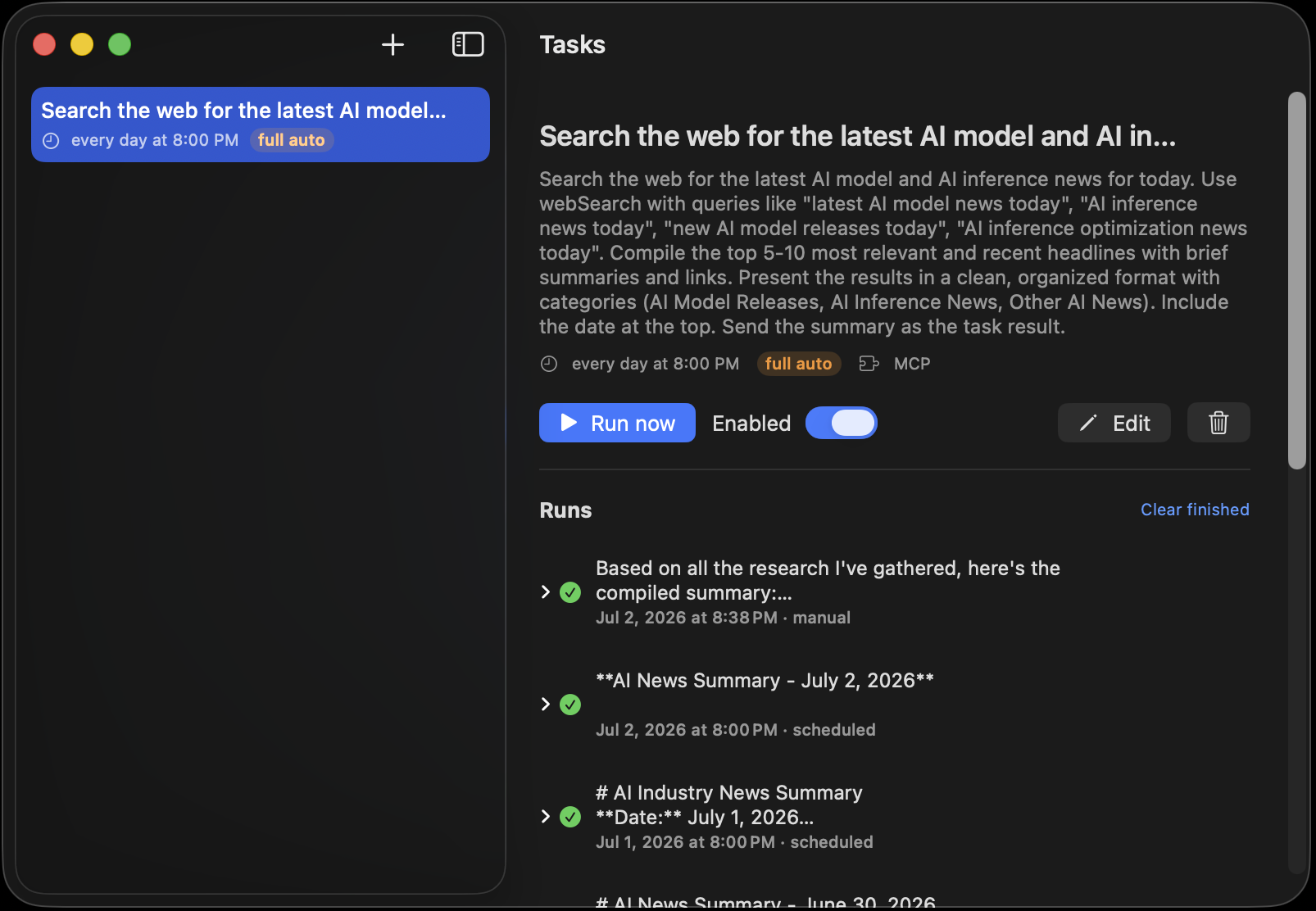
Spotlight, but it answers
Hit ⌃Space over any app — a browser, your editor, a full-screen game — and a prompt panel summons. Type the question; the answer streams in right there from your local model, no window shuffling. Follow-ups keep their context, ⌘↩ hands the whole thread to the chat window, and Esc dismisses while the reply quietly finishes into your sidebar.
No accessibility permissions, no setup dance — flip the toggle in the menu-bar tray and the hotkey is live.
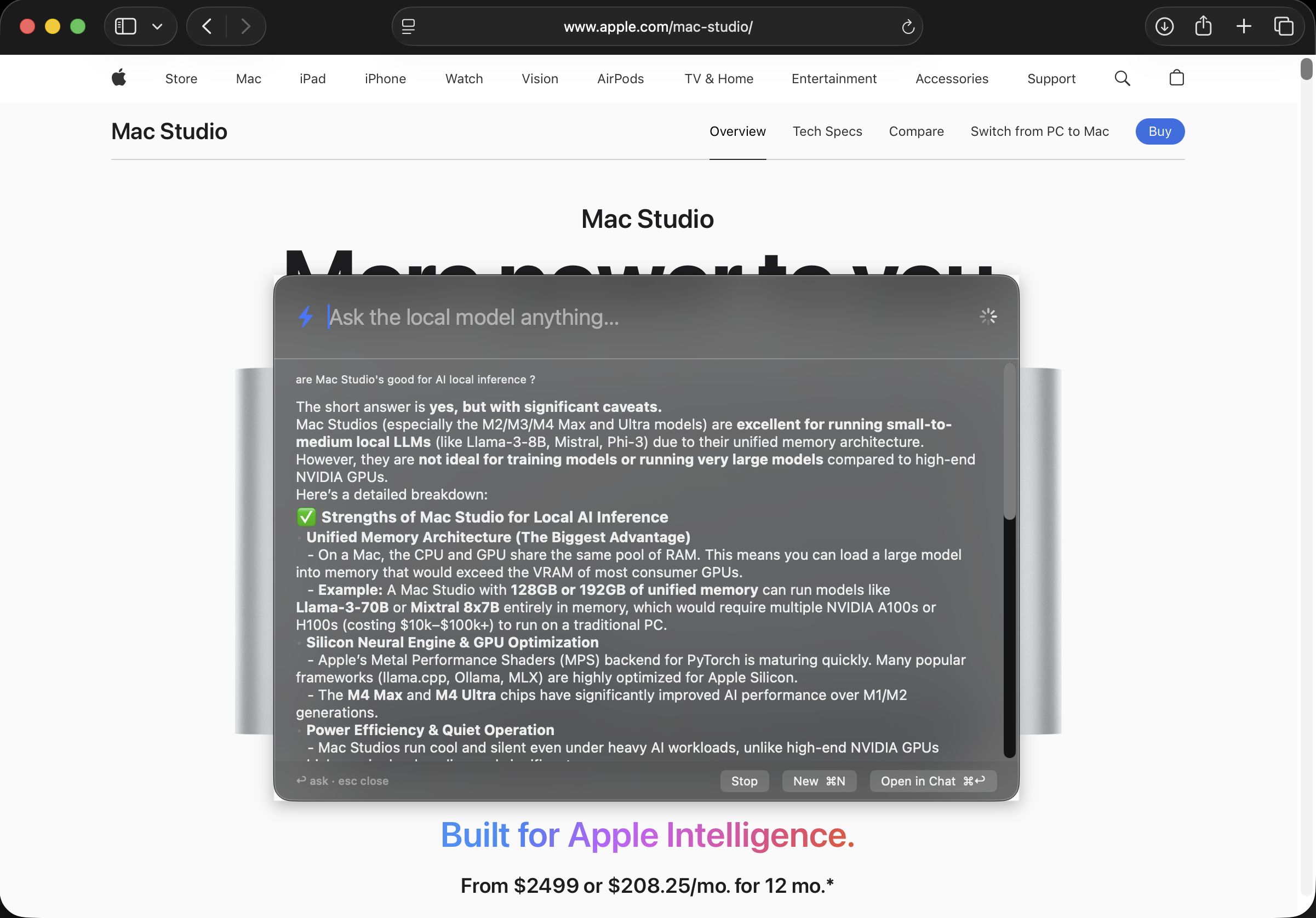
Just talk. Nothing leaves the room.
Say "Hey Loki" and speak — speech recognition runs entirely on-device, so your audio never leaves the Mac and it works with no internet. Replies are spoken back; interrupt mid-answer just by talking (barge-in). Agent tools, thinking, and MCP all work by voice, straight from the menu bar with no window open.
Pair it with voice cloning and the reply voice can be one you made.
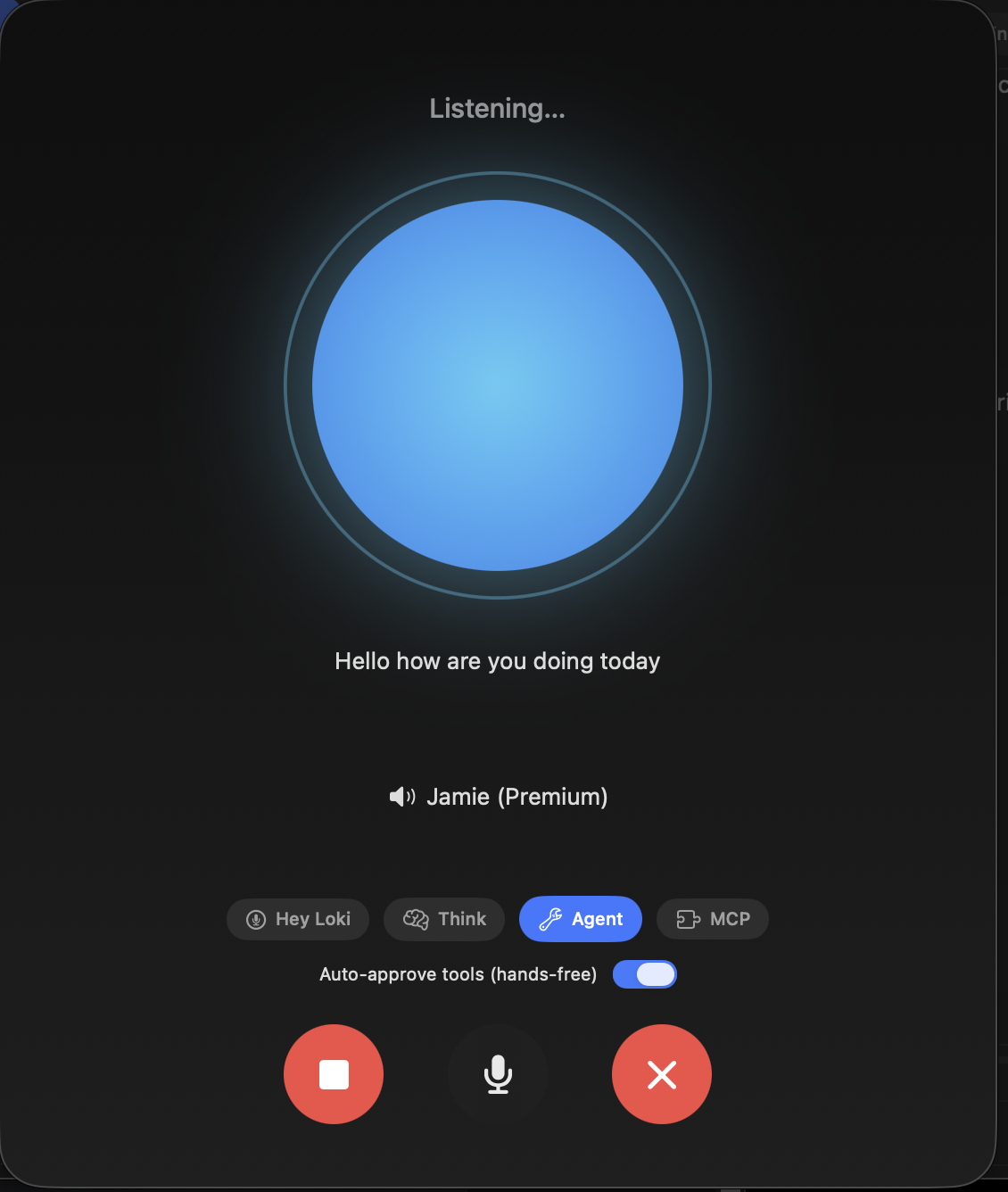
Your model, in your pocket
Make a bot in Telegram, paste its token, flip a switch — and message your local model from anywhere. No public URL, no port-forwarding, no cloud relay: the app long-polls over your normal connection, even behind home Wi-Fi. Turn on Agent mode and it can run tools, read and write files (confined to a workspace folder), and schedule tasks — from your phone.
The bot locks to the first chat that messages it, so no one else can drive your Mac.
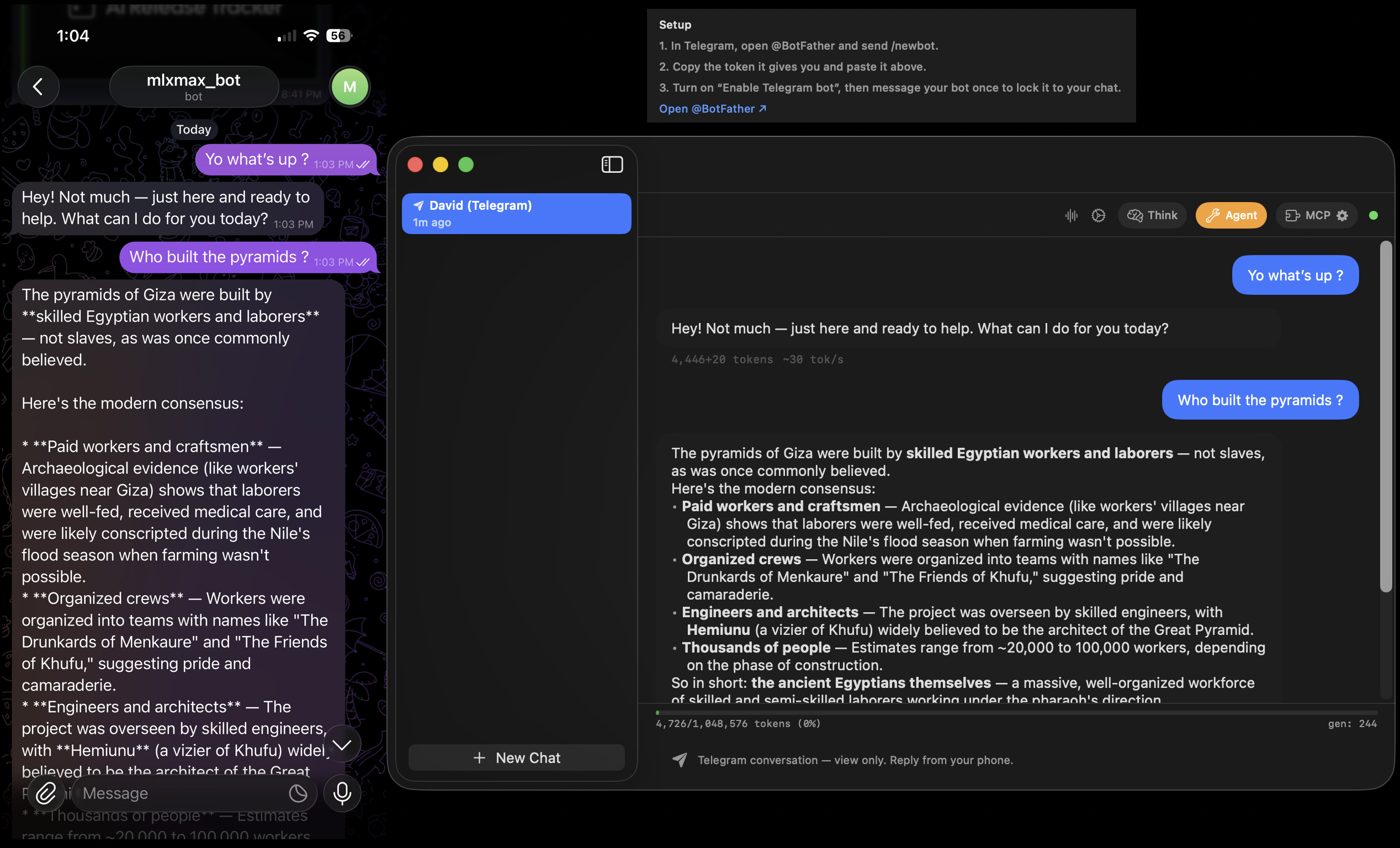
Set it. Forget it. Read the transcript.
Hand the agent a goal and a schedule in plain English — "weekdays at 8am, check my watched sites and write me a briefing" — and it runs unattended, window closed, with a saved transcript and any produced files kept per run. One-tap presets or full cron expressions, your call.
You decide how much it can do: pick an autonomy level per task (Read-only → YOLO); anything beyond it pauses and sends an Approve/Deny notification you can answer from Notification Center — and the run picks up where it left off, even after a restart.