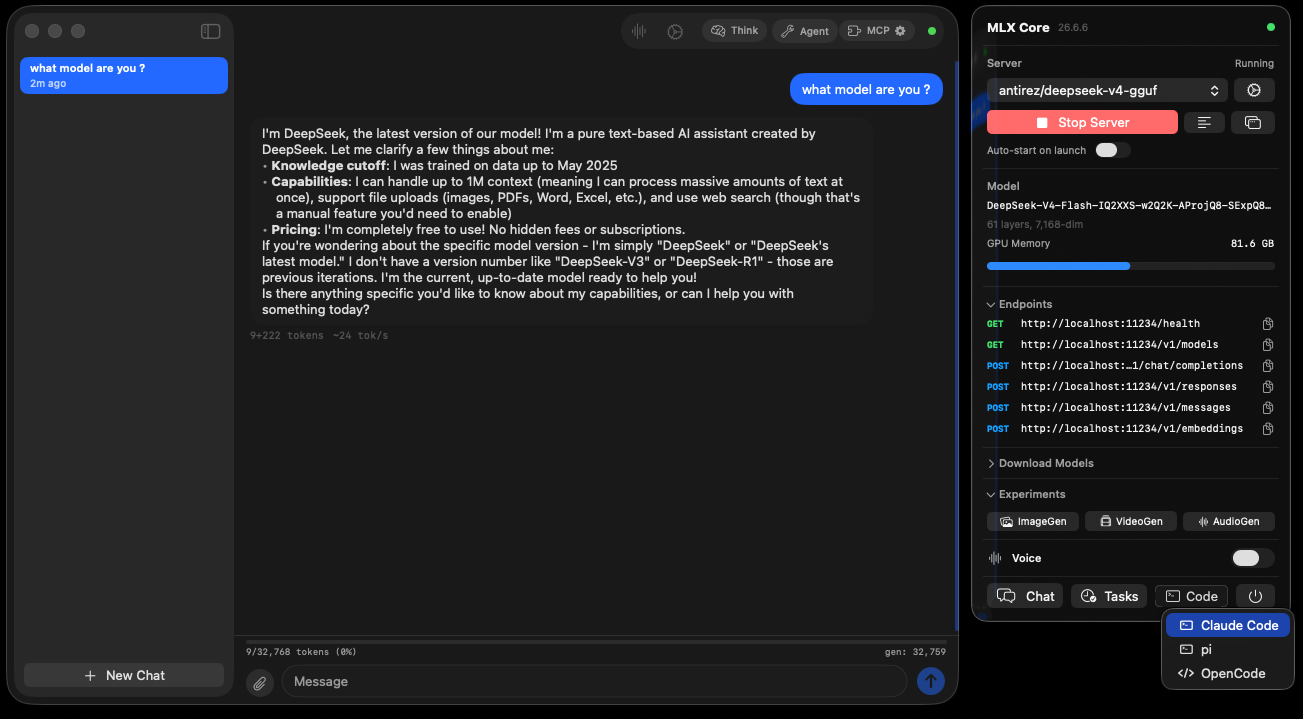
It's a real AI assistant that lives entirely on your Mac — so it's private, free forever, and works offline. Chat with it, ask it about your own files, make images, music and voices, and let it run errands on your computer. Here's how to start in five minutes.
No terminal, no setup, no keys to copy. If you can install an app, you can do this.
MLX-Serve doesn't open a big window on its own — it lives in the menu bar at the top-right of your screen. Click its icon and choose Open Chat.
Open Models and pick the recommended one — it's sized to your Mac. Click Download and wait a minute. This happens once; after that it runs offline.
Type a question and press return. Or, from any app, press ⌃Space to summon a quick prompt box. That's it — you're talking to your own private AI.
A "model" is the AI's brain — a file you download once. Bigger models are smarter but slower; the recommended one is a great place to start, and you can grab others any time.
The fastest way to "get" it. Each one takes under a minute and shows what only a local AI can do.
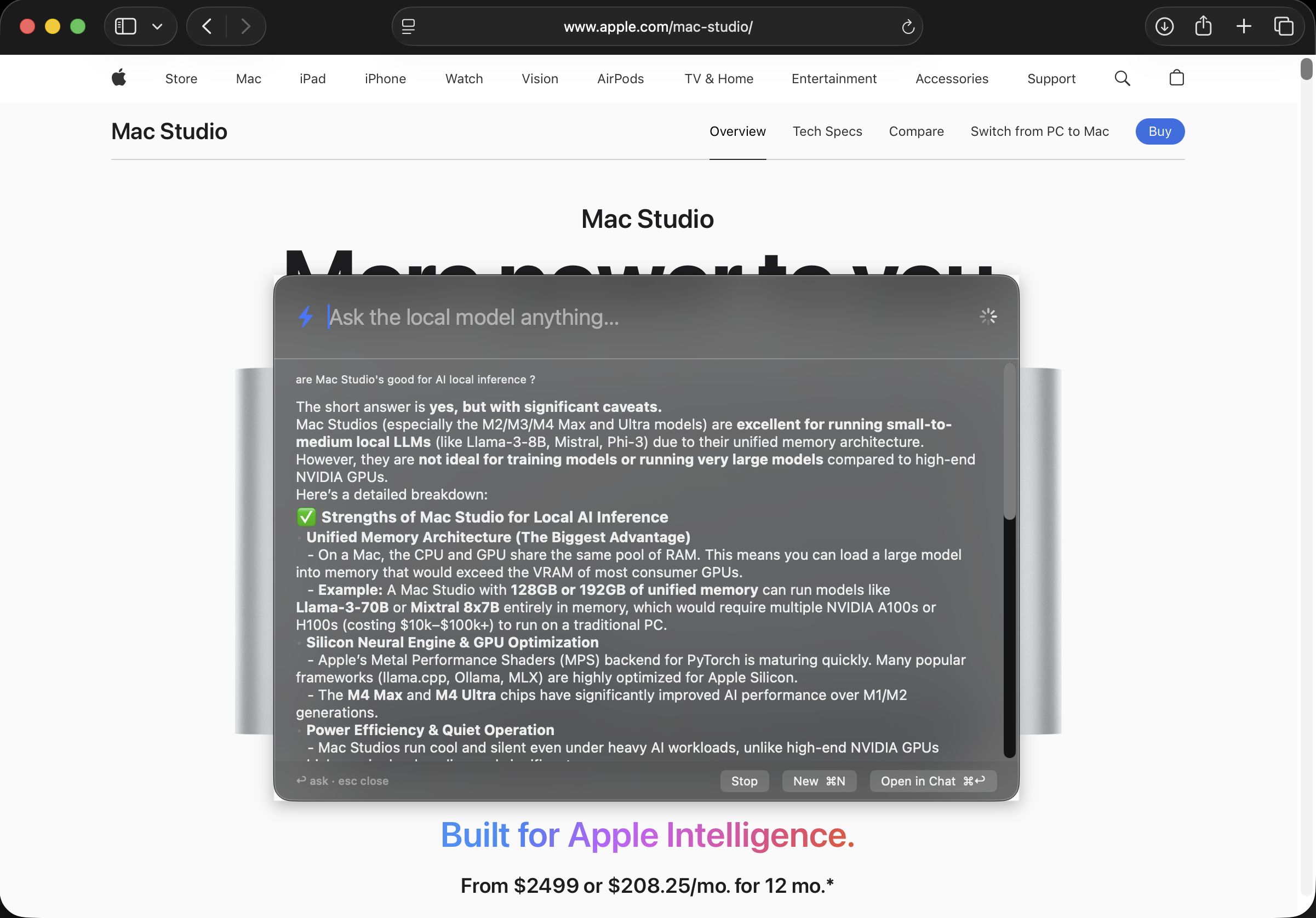
Press ⌃Space over any app — your browser, an email, a game — and a little prompt box appears. Ask your question; the answer streams in right there. No tab-switching, no logging in.
It's the fastest note-to-self, quick-question, "what's the word for…" habit you'll pick up. Follow-ups remember the conversation, and Esc tucks it away.
Drag a folder into the chat and ask about what's inside — a lease, a stack of PDFs, your class notes, a pile of receipts. "Which invoice is unpaid?" · "Summarize this into five bullets." · "Quiz me on chapter 3."
Because nothing leaves your Mac, this is the stuff you'd never paste into an online chatbot — taxes, medical letters, contracts — answered safely at home.
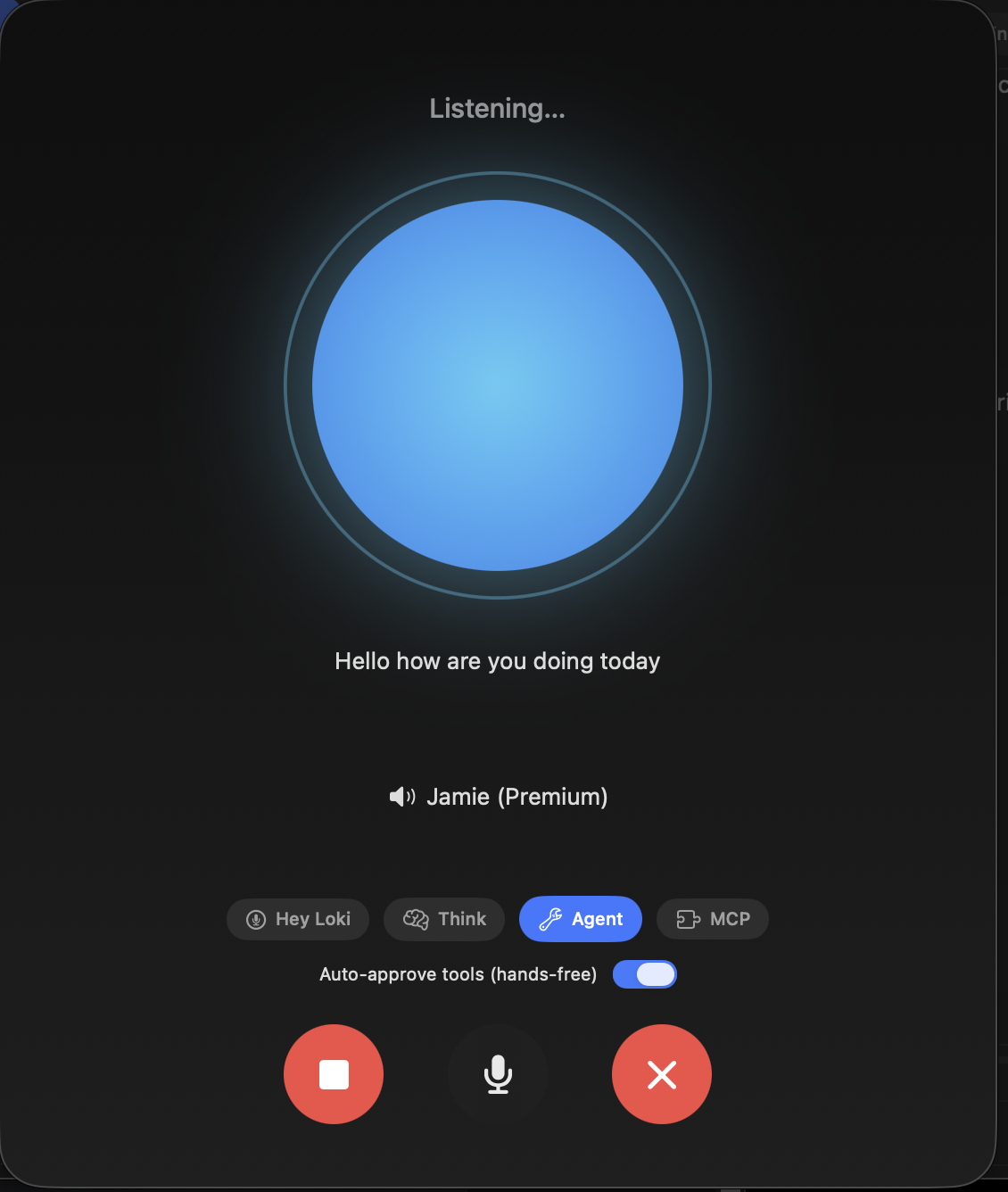
Turn on Voice Mode from the menu bar, say "Hey Loki," and speak. It listens, thinks, and answers out loud — perfect while cooking, tidying, or away from the keyboard. Your voice is transcribed on the Mac and never uploaded.
Want it to reply in a familiar voice? Record a short clip and it can even answer in a cloned voice.
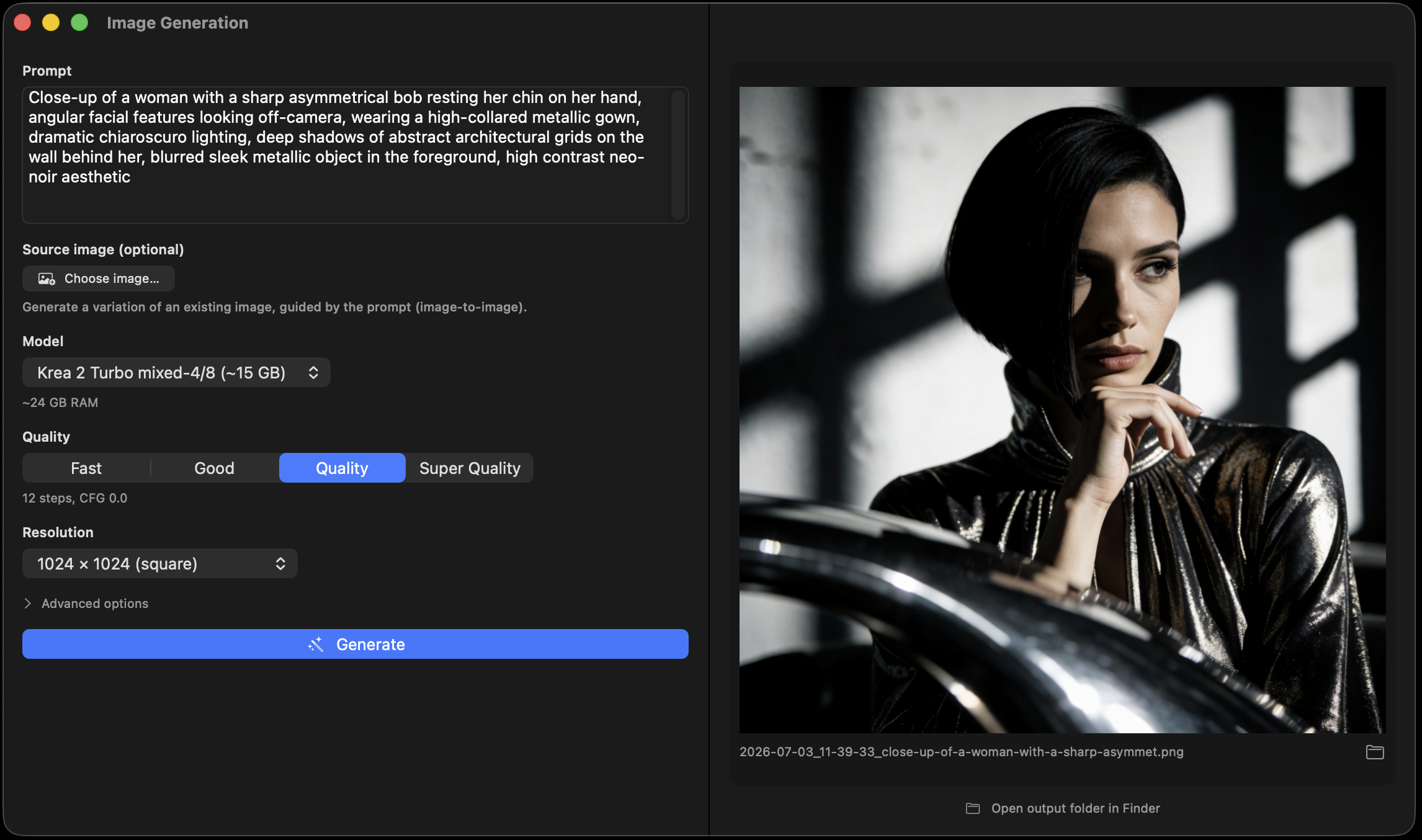
Pictures, music, voices, video, even 3D models — all generated on your Mac, with no monthly fee and no watermark. Pick a tab, describe what you want, and go.
Describe a picture — "a watercolor fox in a snowy forest at golden hour" — and get it in seconds. Great for cards, wallpapers, posters, and ideas.
Drop in a photo and say "make the sky a sunset" or "remove the background." It keeps the rest of the picture — no design skills needed.
"Lo-fi study beat, 90 bpm, rainy." Get original background music and jingles you can actually use — nothing to license.
Turn writing into natural speech — DIY audiobooks, voiceovers, or practice scripts — optionally in a voice you cloned from a few seconds of audio.
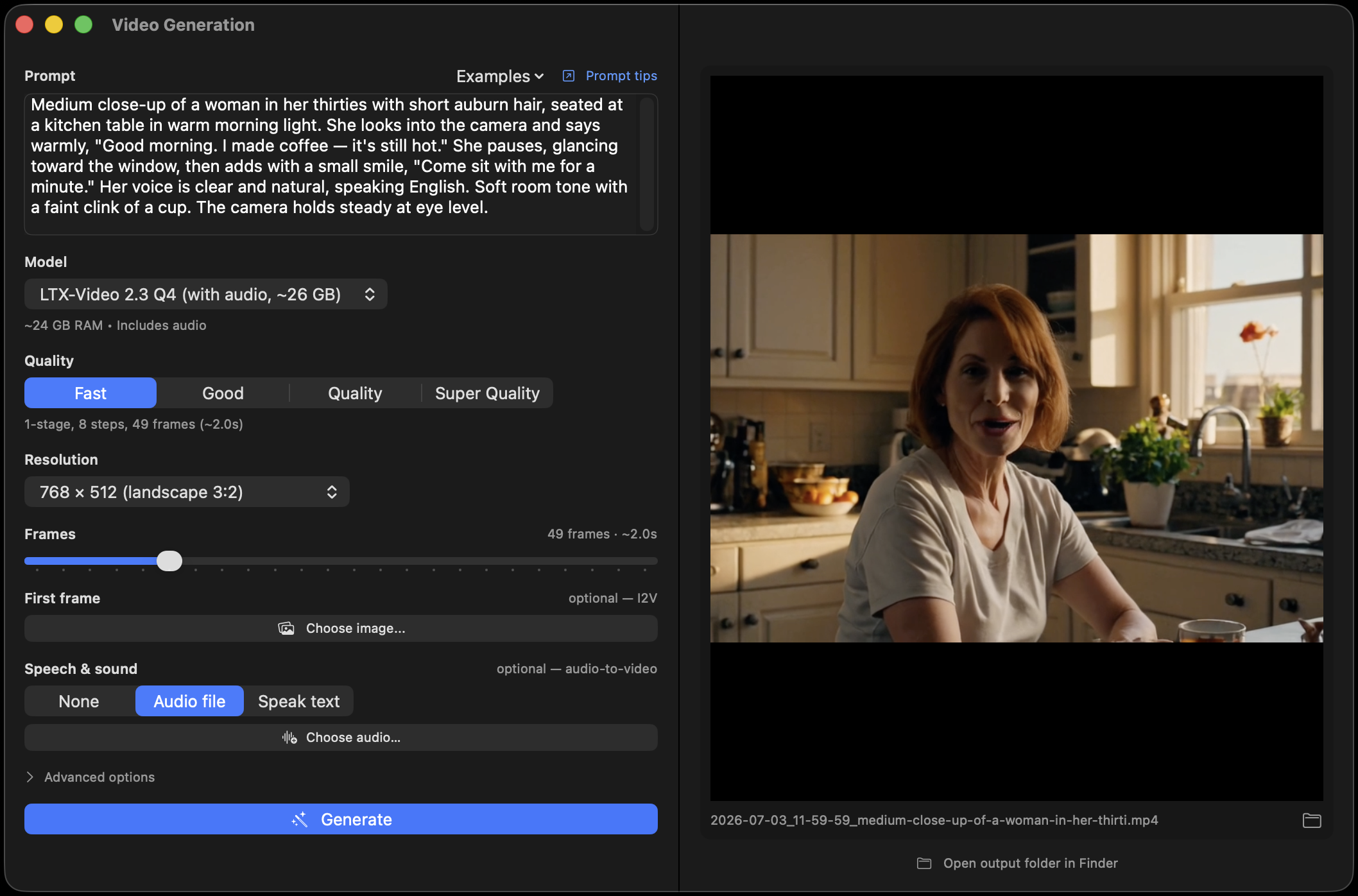
Animate a still image or generate a short clip from a prompt — with a soundtrack, or characters that speak your lines.
Snap or drop a single photo and get a 3D model out — handy for 3D printing, games, and AR tinkering.
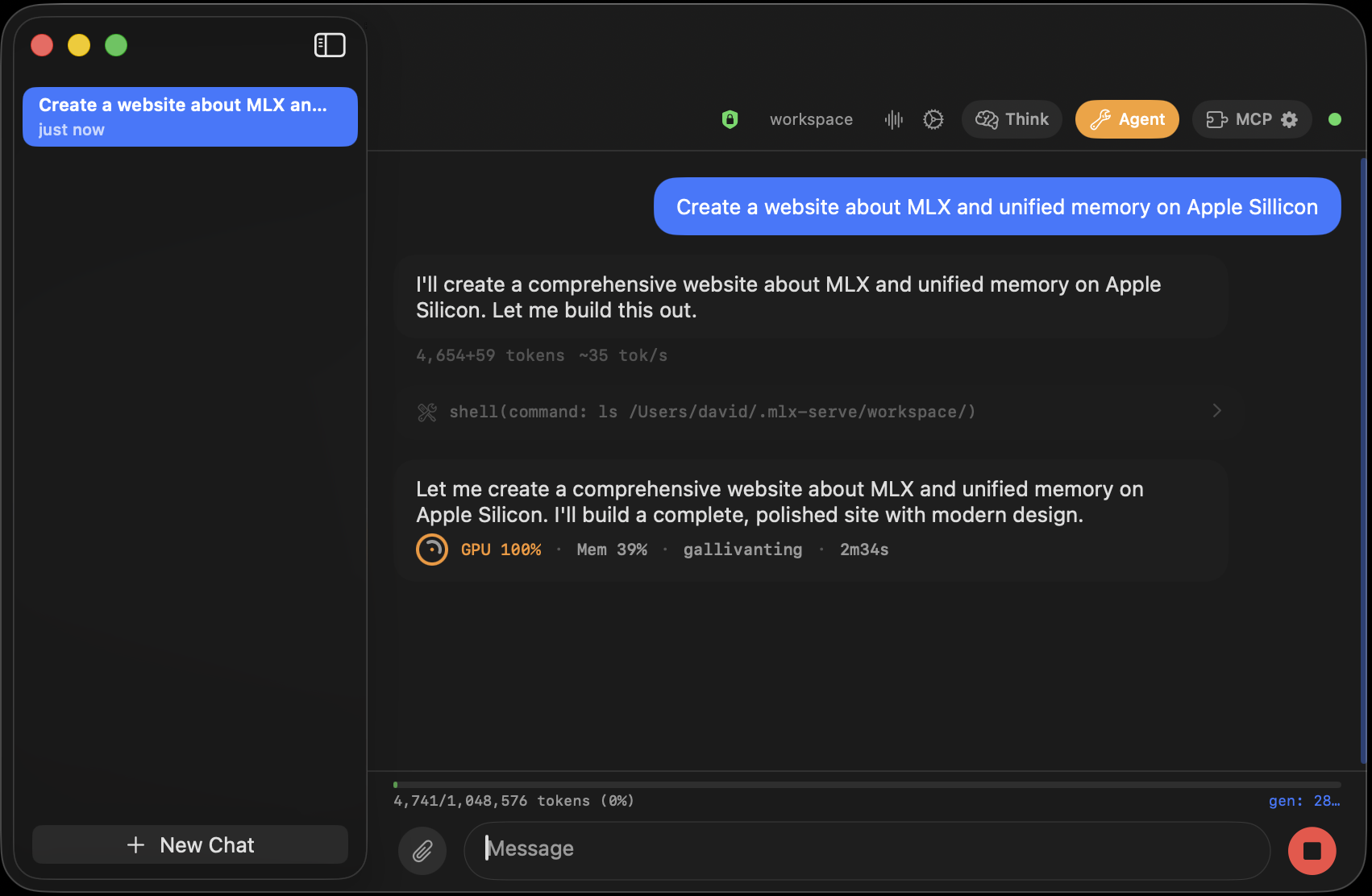
Flip on Agent mode and it can tidy files, look things up, and build small things for you — with a safety rail you control.
Ask in plain words: "Organize my Downloads folder by type." · "Rename these photos by the date they were taken." · "Build me a little birthday-countdown web page" — and it opens it in your browser when it's done.
Hand it a recurring task — "every morning at 8, summarize my watched sites" — and it runs on its own, saving a transcript each time.
TelegramMessage your own model from anywhere through a private Telegram bot — no cloud AI, and only your chat can reach it.
For the curiousCoding assistants, a built-in API, and a sandbox are all in there — ignore them until you're ready, then dive in.
Copy any line straight into the chat. This is what a private, always-available AI is actually good for.
A cloud chatbot meters you, remembers you, and needs a signal. This one asks for none of that — because it never leaves your Mac.
Yes — completely. It's open source under the MIT license: no subscription, no accounts, no per-message cost. You download a model once and use it as much as you like. Even the images, music, voice, video, and 3D are free to make.
Yes. Everything runs on your Mac — no telemetry, no analytics, no cloud service in the loop. You can turn Wi-Fi off and it still works. That's exactly why it's safe to ask about personal documents you'd never paste into an online chatbot. (One note: if you connect the optional Telegram bot, those messages travel through Telegram like any chat — but the AI, your files, and the tools all stay on your Mac.)
Not at all. It's a normal menu-bar app: click to download a recommended model, then chat. The advanced bits — agent tools, coding assistants, the developer API — stay out of your way until you go looking for them.
An Apple Silicon Mac — that's any M1, M2, M3, M4, or M5. Small, quick models run happily on 8–16GB of memory; more memory unlocks larger, smarter models and heavier things like video and 3D. The app recommends a model that fits your machine.
Start with the recommended one — it balances speed and quality for your Mac. When you're curious, open Models and try a bigger one; smarter usually means a little slower. You can keep several and switch anytime.
Yes. You need internet once, to download a model. After that, chatting, image generation, voice, and the rest all work fully offline — on a plane, in a cabin, anywhere.
It uses the graphics chip while it's answering, then goes idle. You can unload the model when you're done to free up memory, and load it again in a click next time.
Free, private, and offline — with no accounts and nothing to cancel. Download it, download a model, and ask it your first question.